Model size is only the starting point. Quantization, context length, KV cache and runtime overhead determine whether a local LLM actually fits on your GPU.
Key Takeaways
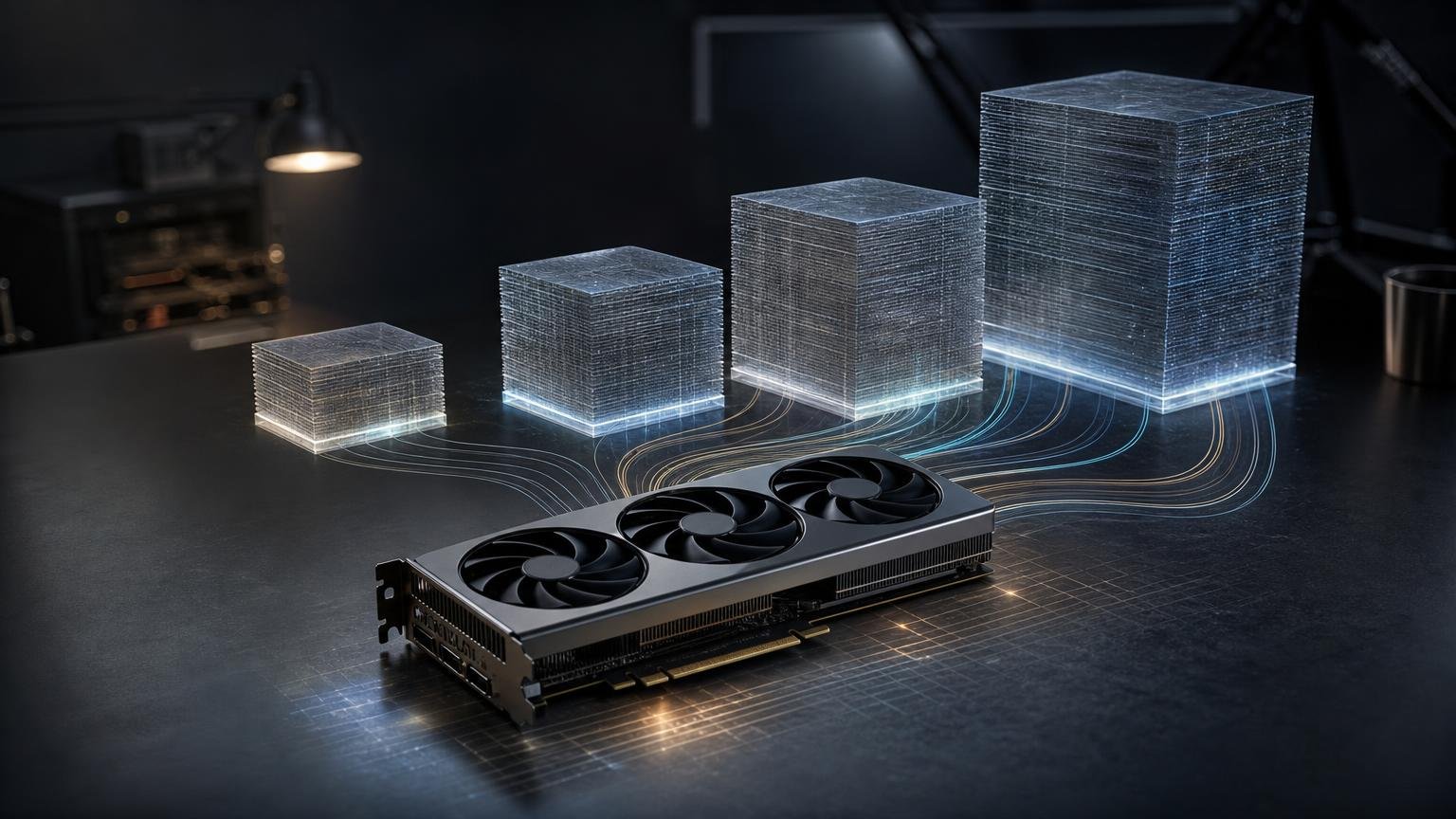
- Plan around 8 GB for 7B Q4, 12 GB for 14B Q4, 24 GB for 32B Q4 and 48 GB for 70B Q4.
- Downloaded model size is not total VRAM use; the KV cache, runtime buffers and backend overhead need additional capacity.
- Longer contexts and larger batches can make an otherwise compatible model run out of memory.
- Quantization labels are format families, so different Q4 or Q5 builds can have different artifact sizes.
- If a model does not fit, consider a smaller quantization, reduced context, cache offloading or partial CPU offloading.
If you want a quick planning answer, allow roughly 8 GB of VRAM for a 7B model at Q4, 12 GB for 14B at Q4, 24 GB for 32B at Q4 and 48 GB for 70B at Q4. These are practical targets rather than guaranteed minimums. Longer contexts, larger batches and backend overhead can push memory use beyond them.
The downloadable model file is also not the complete VRAM requirement. The GPU must hold model weights alongside the key-value cache, compute buffers, backend allocations and, in some cases, temporary tensors. A model artifact that nearly fills a GPU leaves little room for those additional demands.
Practical VRAM targets at a glance
- 7B: An 8 GB-class GPU is a reasonable target for Q4 inference. More VRAM helps with longer contexts or higher-precision formats.
- 14B: Plan around 12 GB for Q4. Q8 and FP16 require substantially more memory.
- 32B: A 24 GB GPU can be a practical starting point for Q4, but context length and runtime overhead matter. A 32 GB GPU provides more flexibility for heavier quantizations.
- 70B: A 48 GB-class GPU is the practical starting point for many Q4 builds. Higher-precision versions generally require more VRAM, multiple GPUs or CPU offloading.
These targets assume quantized inference and leave some space beyond the model artifact. They should not be treated as universal guarantees for every model architecture, operating system or inference backend.
Why parameter count alone does not answer the question
For unquantized weights, a useful estimate is approximately 2 GB per billion parameters at FP16 or BF16. FP32 requires about twice as much. That gives the following weights-only FP16 estimates:
- 7B: approximately 14 GB
- 14B: approximately 28 GB
- 32B: approximately 64 GB
- 70B: approximately 140 GB
Those numbers cover only the weights. They do not include the KV cache, runtime buffers or backend overhead, so a GPU matching the estimate exactly may still be insufficient.
Quantization reduces the storage required for model weights, making much larger models practical on consumer and workstation hardware. However, a “4-bit” model does not necessarily occupy exactly half a byte per parameter. Quantized formats can contain metadata and mixed-precision components, while different Q4, Q5 and Q6 encodings have different effective sizes.
How much VRAM does a 7B model need?
For a 7B-class model, 8 GB is a sensible Q4 planning target. As a concrete example, Ollama lists a Qwen2.5 7B Q4_K_M artifact at 4.7 GB. That leaves part of an 8 GB GPU available for the cache and runtime, although a demanding context can still consume the remaining capacity.
Nearby 8B examples illustrate how formats change the calculation. Ollama lists Llama 3.1 8B at 4.9 GB for Q4_K_M, 8.5 GB for Q8_0 and 16 GB for FP16. The llama.cpp reference examples similarly show that different Q4 and Q5 variants of the same 8B model do not produce identical files.
Consequently, an 8 GB GPU is primarily a quantized-model target. It should not be assumed to accommodate an 8.5 GB Q8 artifact or a 16 GB FP16 artifact entirely in VRAM.
How much VRAM does a 14B model need?
For 14B, around 12 GB is a practical starting point for Q4. Ollama lists the Qwen2.5 14B Q4_K_M artifact at 9.0 GB, leaving several gigabytes on a 12 GB GPU for runtime allocations and a moderate cache.
Memory needs rise quickly with precision. The same model family has a 16 GB Q8_0 artifact and a 30 GB FP16 artifact. Because those are packaged model sizes rather than complete peak-VRAM measurements, the corresponding GPU needs additional capacity beyond the file size for a fully GPU-resident workload.
If context length is a priority, choosing a GPU that only narrowly clears the Q4 file size is risky. A larger cache can consume the remaining memory even when the weights initially load successfully.
How much VRAM does a 32B model need?
A 24 GB GPU is a practical Q4 target for a 32B model, provided the selected build and context fit within the available headroom. Qwen2.5 32B examples include a 16 GB Q3_K_M artifact, a 19 GB Q4_0 artifact and a 20 GB Q4_K_M artifact.
The difference between a 20 GB model file and 24 GB of physical VRAM is not a large safety margin. Long contexts, larger batches or backend-specific allocations could exceed it. A 32 GB GPU offers more room and can accommodate some heavier quantizations, but it is still not unlimited.
AMD’s testing provides a useful real-world illustration. The company reported 28 GB of typical VRAM use for DeepSeek R1 Distill Qwen 32B Q6 on a 32 GB Radeon AI PRO R9700. That is a vendor-tested result under specified hardware and software conditions, not a universal requirement, but it demonstrates why matching GPU capacity to artifact size alone can be misleading.
At FP16, the weights-only estimate for a 32B model is approximately 64 GB, before accounting for any cache or runtime overhead.
How much VRAM does a 70B model need?
For 70B, a 48 GB-class GPU is the practical starting point for Q4. Ollama lists Llama 3.1 70B at 40 GB for Q4_0 and 43 GB for Q4_K_M. A 48 GB GPU therefore provides some headroom, but the margin can disappear with a sufficiently large context or demanding runtime configuration.
Other Llama 3.1 70B artifact sizes show how dramatically the selected format changes the requirement:
- Q2_K: 26 GB
- Q3_K_M: 34 GB
- Q5_K_M: 50 GB
- Q6_K: 58 GB
- Q8_0: 75 GB
- FP16: 141 GB
Because these are artifact sizes, each configuration needs additional memory to run entirely on the GPU. Q5, Q6, Q8 and FP16 builds can therefore require larger GPU configurations, multiple GPUs or partial CPU offloading. A model’s support for a very long context also does not mean the full context will fit into the same VRAM used for a short prompt.
How context length changes VRAM requirements
During generation, the runtime stores attention information in a KV cache. For standard full-attention models, this cache grows with the stored sequence. Its exact size depends on the architecture, number of layers, KV heads, head dimensions, cache datatype, batch size and context length.
There is therefore no reliable universal “VRAM per token” figure. Two models with similar parameter counts can have different cache requirements, and increasing context or batch size can turn a configuration that fits into one that runs out of memory.
Hugging Face documents options including CPU cache offloading and quantized KV caches. Supported quantized-cache formats include int2, int4 and int8 in some implementations. These approaches can reduce GPU memory use, but may introduce throughput or latency trade-offs.
How to choose a configuration
If you want the model entirely on one GPU
Start with the exact artifact size, then leave meaningful capacity for the KV cache and runtime. Avoid treating a 20 GB file as an automatic fit for a GPU with exactly 20 GB of VRAM.
If the model almost fits
- Select a smaller quantized artifact.
- Reduce the requested context length or batch size.
- Use a quantized or CPU-offloaded KV cache when the backend supports it.
- Consider partial CPU offloading, accepting that the operating characteristics will differ from a fully GPU-resident setup.
If you are selecting between model sizes
A comfortably fitting smaller model is easier to operate than a larger model that consumes nearly all available VRAM before a prompt is processed. For planning purposes, prioritize the model format, desired context and runtime headroom together rather than selecting solely by parameter count.
What This Means
For most buyers and system builders, the useful shorthand is 8 GB for 7B Q4, 12 GB for 14B Q4, 24 GB for 32B Q4 and 48 GB for 70B Q4. These are starting points for common quantized configurations, not hard compatibility boundaries.
Before downloading or purchasing hardware, check the exact model tag and format. Then account for context length, batch size, KV-cache strategy and backend overhead. Official model listings and runtime documentation can change, so verify current artifact sizes and supported cache options at the linked sources.
